3D → real · 1 min read
Recreating a 3D tutorial in real light
Case study: recreating a 3D render's lighting in a real studio. An exploration of lighting design between photography and 3D rendering.
I took on the famous Blender donut tutorial.
At heart it’s a technical exercise: modelling, UVs, textures, shaders, rendering. Almost a rite of passage for anyone who gets into 3D.
But instead of just finishing the render… I wanted to do the opposite.
Take this digital exercise, and play it out again in the studio.
Translating a virtual image into real light
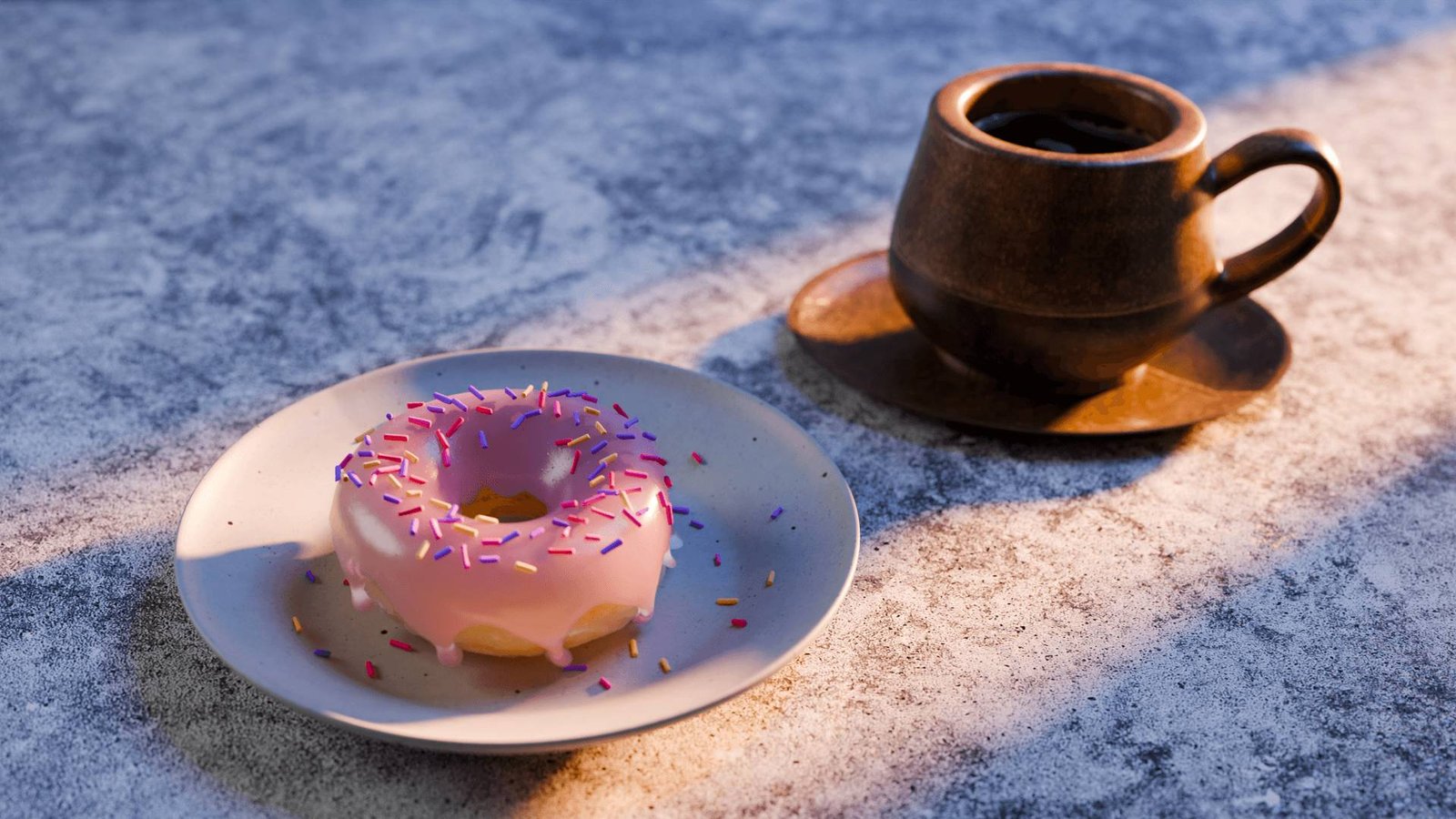
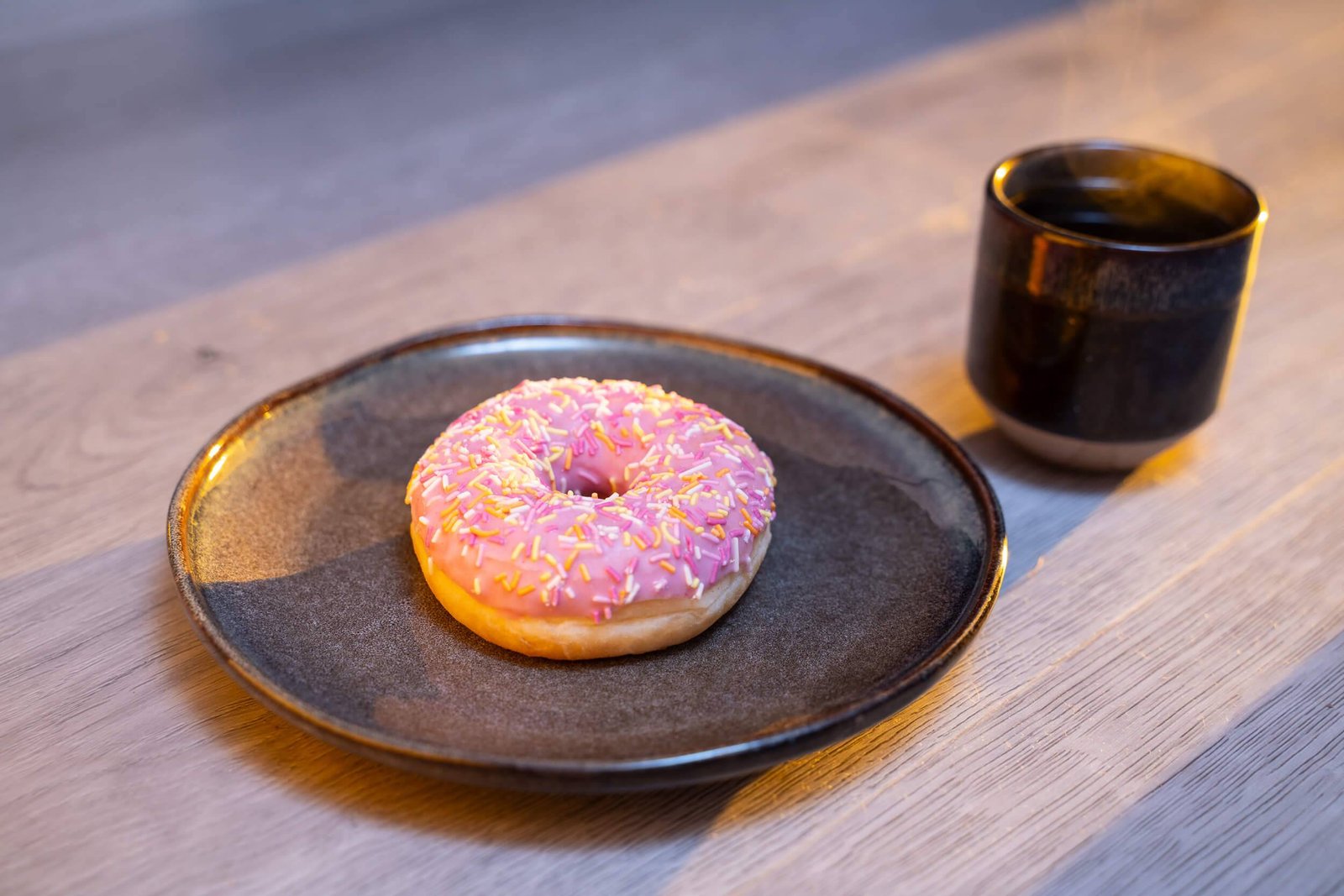
In Blender, the tutorial’s lighting is already built. A diffuse base, a warm direction, strong contrast. I didn’t invent it.
What interested me was something else:
How do you reproduce that in real life?
So I started in 3D. Then I recreated the scene in the studio.
Same focal length: 50 mm.
But different choices, imposed by reality.
Light in layers
In the studio, I built the light up in layers:
- A speedlight bounced off the white ceiling to create a cool base (white balance set to tungsten)
- A distant source with CTO and a yellow gel to warm things up and imitate a low, raking sun
- Flags to hold back the spill
- A silver reflector to bring detail back into the shadows
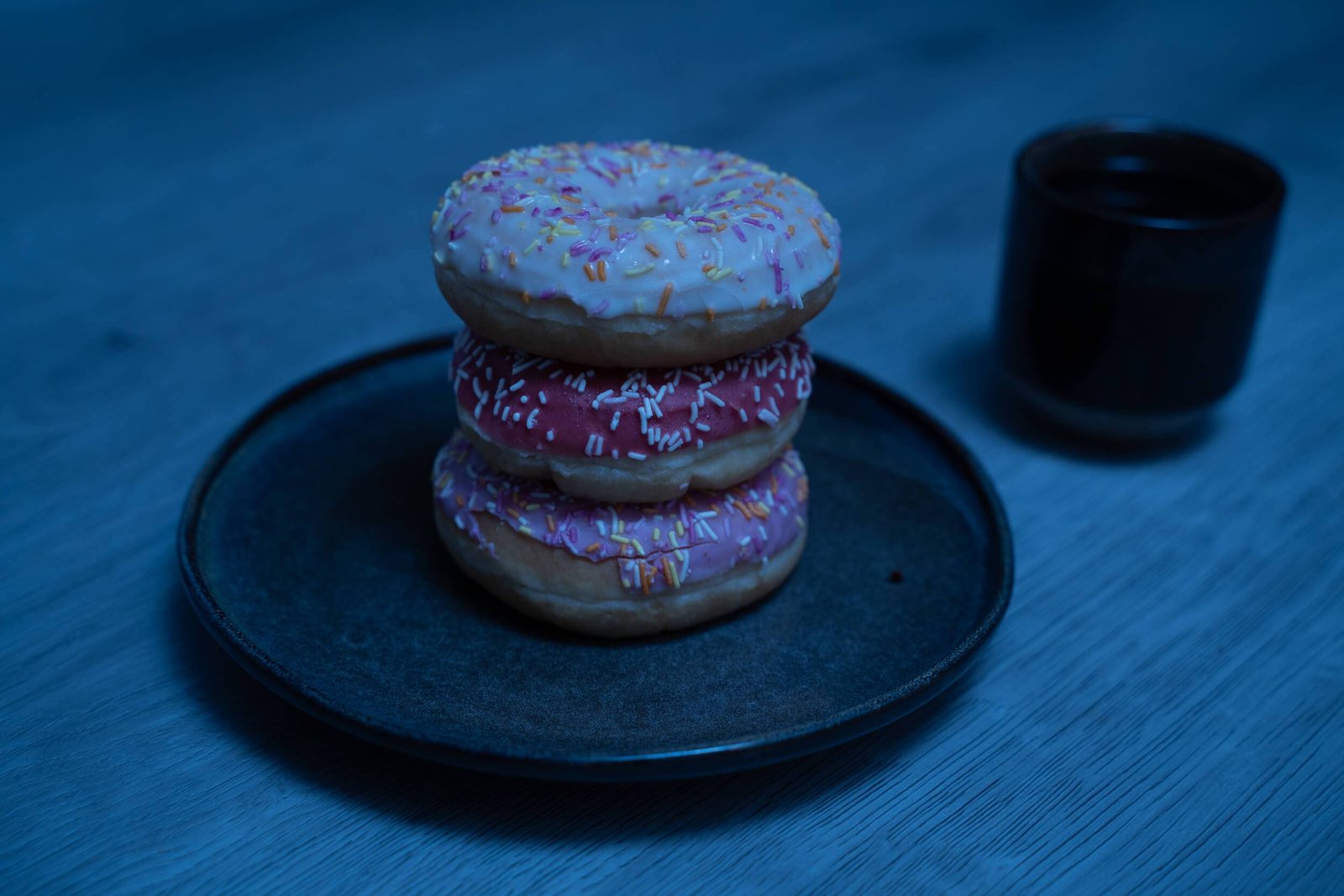

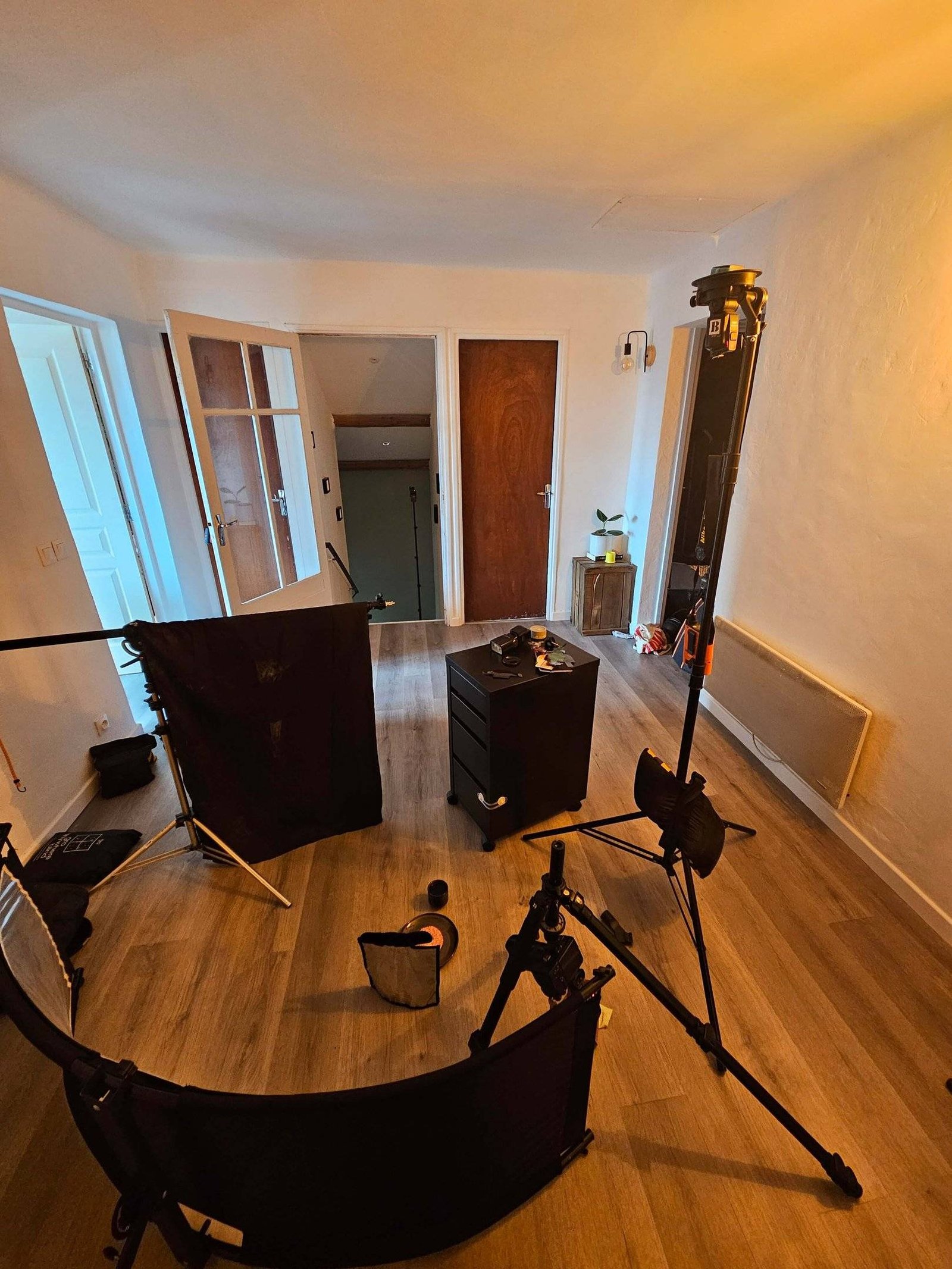
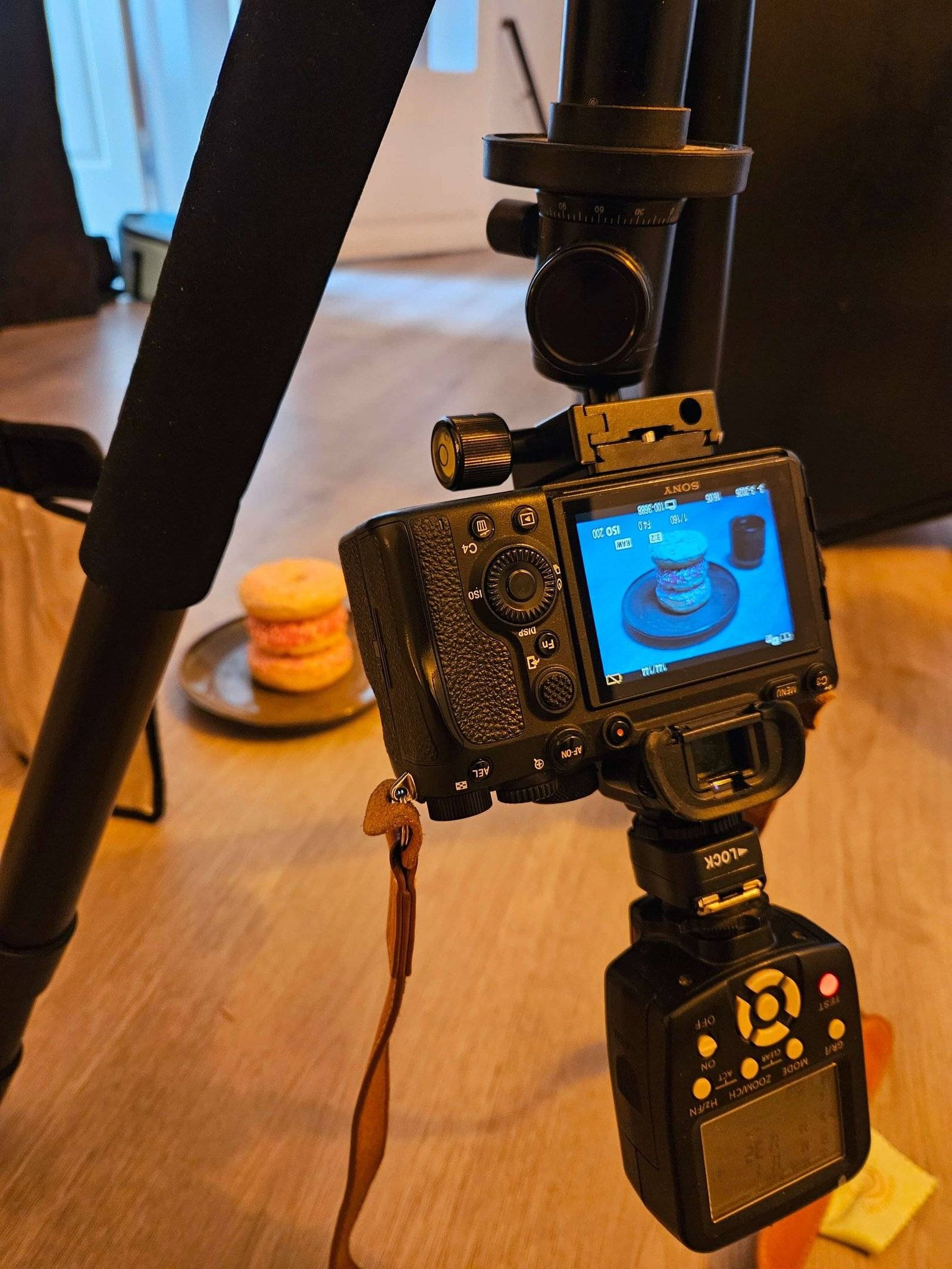
In 3D, these things exist too (more or less), but as parameters.
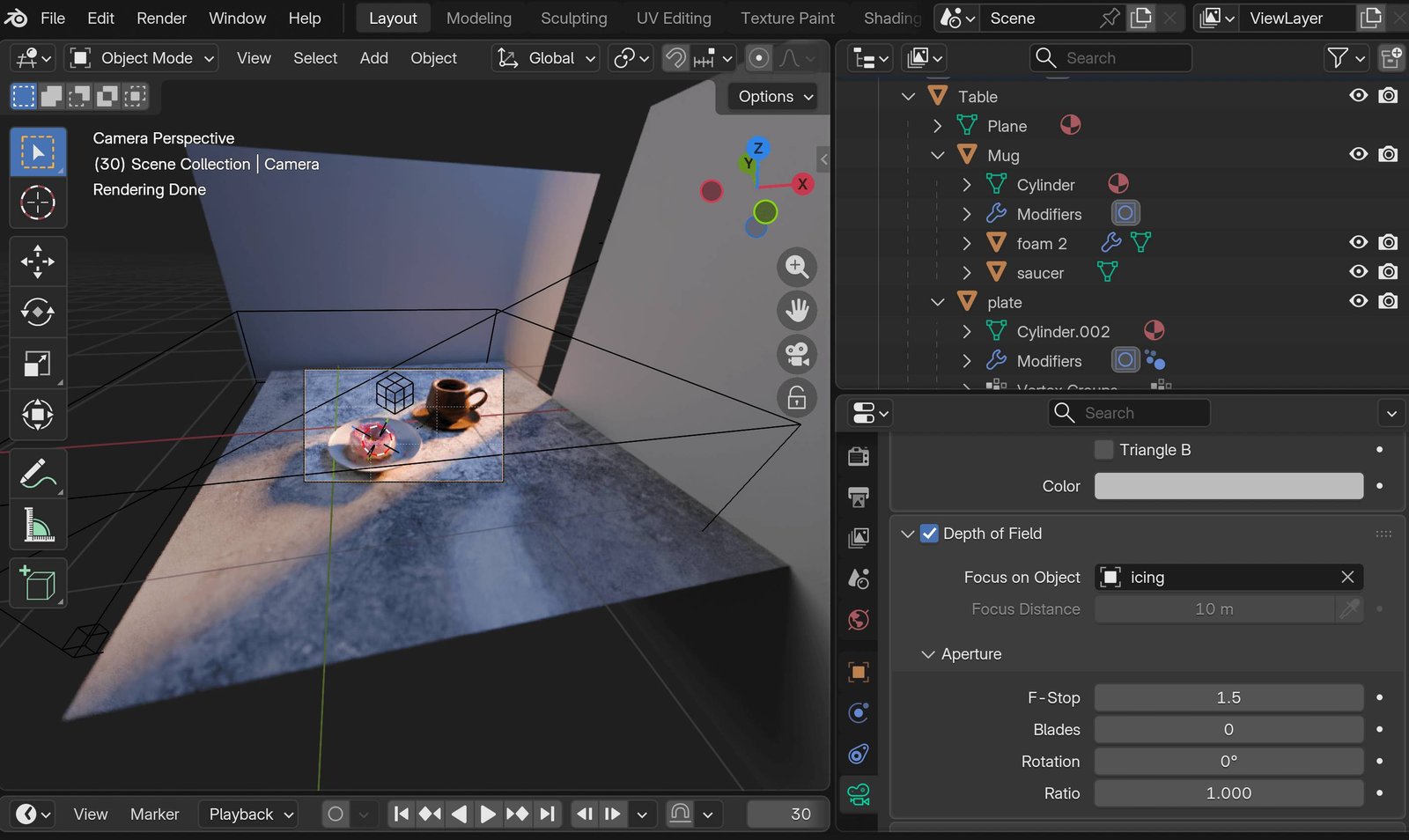
In Blender, I used an extra light where, in the studio, I used a reflector.
In 3D, I opened up to f/1.5.
In the real photo, I was at f/4, and, paradoxically, the depth of field is more pronounced.
The tools are different. So are the balances. But the logic stays surprisingly close.
Digital freedom vs physical constraints
In 3D:
- You can place a light at an unrealistic distance.
- You can change intensity and colour independently.
- You can iterate without limit.
In the studio:
- The space forces choices.
- The ceiling height matters.
- Diffusion depends on the material.
- Bounces are imperfect.
Replaying the tutorial in the real world meant setting these two realities against each other.